
1xBet APK Download in Malaysia: Step-by-Step Guide for Android
Searching Google Play for 1xBet is a dead end, and that is by design: the store bans real-money betting apps entirely, in Malaysia and almost everywhere else. The Android version lives in an APK file on the official 1xBet website, and installing it takes about five minutes once you know the steps.
This page covers the Android route from start to finish: download, installation, registration with a promo code, updates and safety. For the full platform overview, iOS installation and bonus details, see our main 1xBet app Malaysia guide.
Page Navigation
Why an APK and Not Google Play?

Google Play policy prohibits apps with real-money gambling, so no licensed bookmaker distributes an Android client through the store. The APK from the official site is the normal, intended way to install it, not a workaround.
The practical upside for Malaysian players: the app connects to working 1xBet domains on its own, so once it is installed you stop depending on whichever mirror link happens to be alive in your browser. Inside you get the same platform as everywhere else: sports betting with live markets and cash out, badminton and Liga Super Malaysia coverage, casino with slots and live tables, and Malay language support.
Will It Run on Your Phone?
The app runs on most Android phones from recent years, including Samsung, Xiaomi, Oppo, Vivo, Realme and Honor. If your device handles everyday apps without struggling, it will handle 1xBet.
Two practical notes before you start. The installation file is sizeable, so Wi-Fi is the comfortable option. And you will need a little free storage: clear some space first if your phone is constantly complaining about it.
How to Download the 1xBet APK
The only safe source is the official 1xBet website. If the main domain does not open (local providers block it periodically), use a current mirror from official 1xBet channels or a trusted affiliate page. Never install APK files from forums, Telegram chats or APK aggregator sites: modified builds are the classic way to lose your login and balance.
The steps:
- Open the working 1xBet address in Chrome or any mobile browser.
- Find the Mobile Applications section in the menu or page footer.
- Tap the Android option to start the download.
- Wait for the file to land in your Downloads folder.
About the browser warning: Chrome flags any APK that comes from outside Google Play, regardless of who published it. The warning means “this file did not come from the store”, nothing more. It is exactly why the source matters: from the official domain the file is safe, from a random link it is a gamble of the wrong kind.
How to Install the APK
Android blocks outside installations by default, so one permission needs switching first:
- Go to Settings, then Security (on some phones: Apps, then Special app access).
- Enable Install unknown apps for your browser.
- Open the APK file from your Downloads folder.
- Tap Install and wait a minute or two.
- Open the app from your home screen.
After installation you can delete the APK file and switch the unknown sources permission back off. The app keeps working either way.
Registration and the Promo Code: Do It in the Right Order
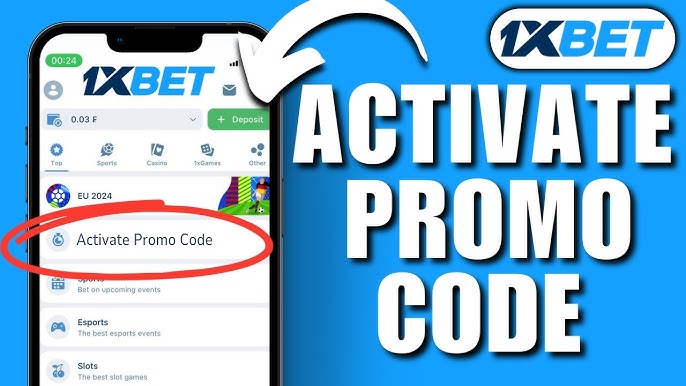
If you plan to use a promo code, the moment matters: the code field appears in the registration form, before your first deposit. Enter it there, because after the account is created the window is gone.
Registration itself takes a couple of minutes:
- Open the app and tap Register.
- Pick a method: one click, phone number, email or social network.
- Enter the promo code in the dedicated field if you have one.
- Choose your welcome bonus: sports or casino.
- Confirm and log in.
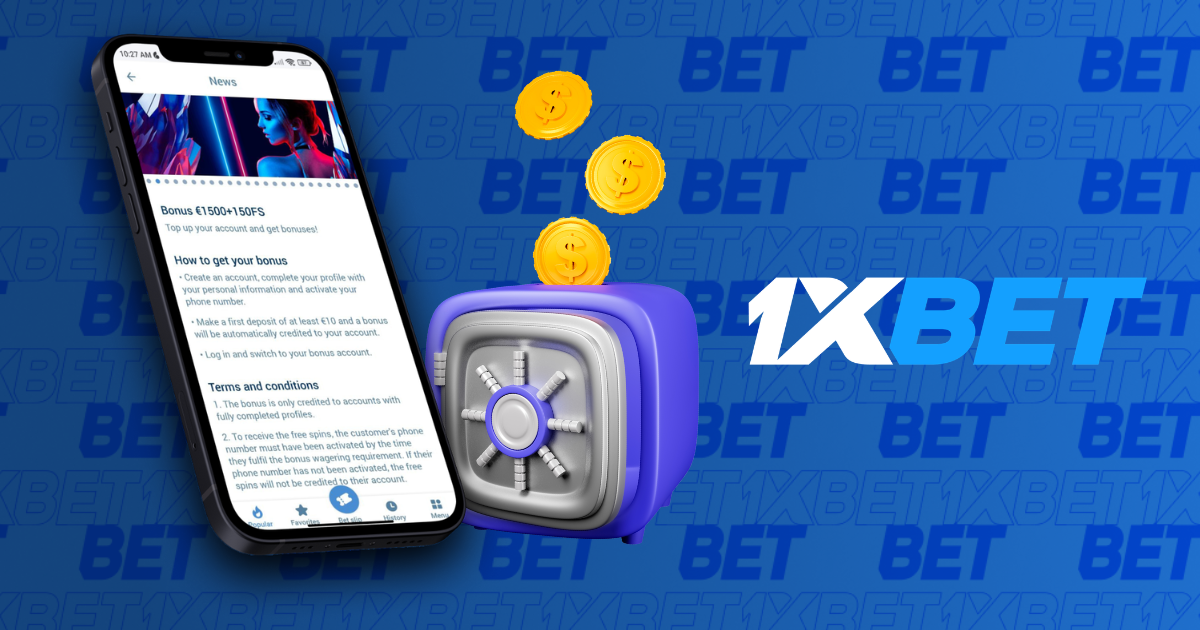
The bonus choice is the detail most pages skip: the offers do not stack. You take either the sports bonus (100% on the first deposit up to 500 MYR) or the casino package (up to 6,800 MYR plus 150 free spins across the first four deposits). Full terms for both are covered in our main Malaysia guide.
Deposits and Withdrawals in Brief
In practice, e-wallets and cryptocurrencies are the reliable lane for Malaysian players: they process fast and do not depend on bank attitudes toward gambling transactions, which in Malaysia are unfriendly. The cashier in the app shows the exact methods and limits available to your account, and withdrawals return to the method you deposited with.
How to Update the APK
Updates do not arrive through Google Play, so the route is the same as the first download: get the newest APK from the mobile section of the official site and install it over the current version. Your account, settings and bet history carry over.
The app also prompts you when a fresh version is out, so in practice you rarely need to check manually. Skipping updates for months is the main reason for crashes and missing payment options, so when the prompt appears, take the minute.
Safety Checklist
- Download the APK only from the official 1xBet domain or a verified mirror.
- Ignore APK files sent in chats or hosted on aggregator sites.
- Use a strong unique password and enable two-factor authentication in account settings.
- Set a deposit budget before you start and stick to it.
- The platform is for adults 18+ and works in Malaysia as an offshore operator; treat betting as entertainment, not income.
FAQ
How do I download the 1xBet APK for Android in Malaysia?
Open the official 1xBet website (or a current mirror if the main domain is blocked), go to the Mobile Applications section and tap the Android button. The APK saves to your Downloads folder; the app is never distributed through Google Play.
Chrome warns me about the file. Is that normal?
Yes. Chrome flags every APK that comes from outside Google Play, whoever published it. The warning is a reminder to trust only the source, which is why you should download exclusively from the official domain.
Will the app work on my phone?
On most Android devices from recent years, including Samsung, Xiaomi, Oppo, Vivo and Realme. If your phone runs everyday apps smoothly, it will run 1xBet.
How do I update the app?
Download the latest APK from the same section of the official site and install it over the existing version. Your account and settings carry over, and the app itself prompts you when an update is available.
Where do I enter the promo code?
In the registration form, before the account is created. The same form is where you choose between the sports welcome bonus (up to 500 MYR) and the casino package (up to 6,800 MYR plus 150 free spins); the two offers cannot be combined.
Are casino games available in the Android app?
Yes. The casino section includes slots, live dealer tables and popular crash-style games such as Aviator and Plinko, all under the same account and balance as sports betting.