
1xBet on PC in Malaysia: Windows Client and Browser Version Explained
Let us clear up the main confusion first: 1xBet has a dedicated desktop program for Windows only. There is no separate macOS application, and any page promising one is selling air. Mac owners use the browser version, which carries the full platform anyway.
This guide covers both routes: installing the Windows client, using 1xBet in a browser on any computer, and an honest comparison so you can pick. For bonuses, payments and the mobile apps, our main 1xBet app Malaysia guide has the details.
Page Navigation
Why the Windows Client Matters in Malaysia

For Malaysian players the desktop client has one killer argument that most reviews skip: it connects to working 1xBet addresses on its own. Local providers periodically block the main domains, and in a browser that means hunting for a fresh mirror link. The installed client handles this quietly in the background, so you open it and bet.
Beyond that, it is the same platform: thousands of daily events, live betting with cash out, accumulators and system bets, the casino section, and your usual account and cashier.
How to Download and Install 1xBet on Windows
- Open the official 1xBet website in any browser (via a current mirror if the main domain is blocked).
- Find the section with applications and pick the Windows option.
- Save the installation file to your computer.
- Run the file and follow the installer prompts.
- Open the client and log in or register.
The whole process takes a few minutes. Any reasonably modern Windows computer runs the client comfortably: if your machine handles a browser with a dozen tabs, this will not be the thing that slows it down.
The source rule from our mobile guides applies with full force here: download the installer only from the official 1xBet domain. A betting client from a torrent or a file-sharing site is a password-stealing kit with extra steps.
1xBet in the Browser: The Route for macOS and Everyone Else
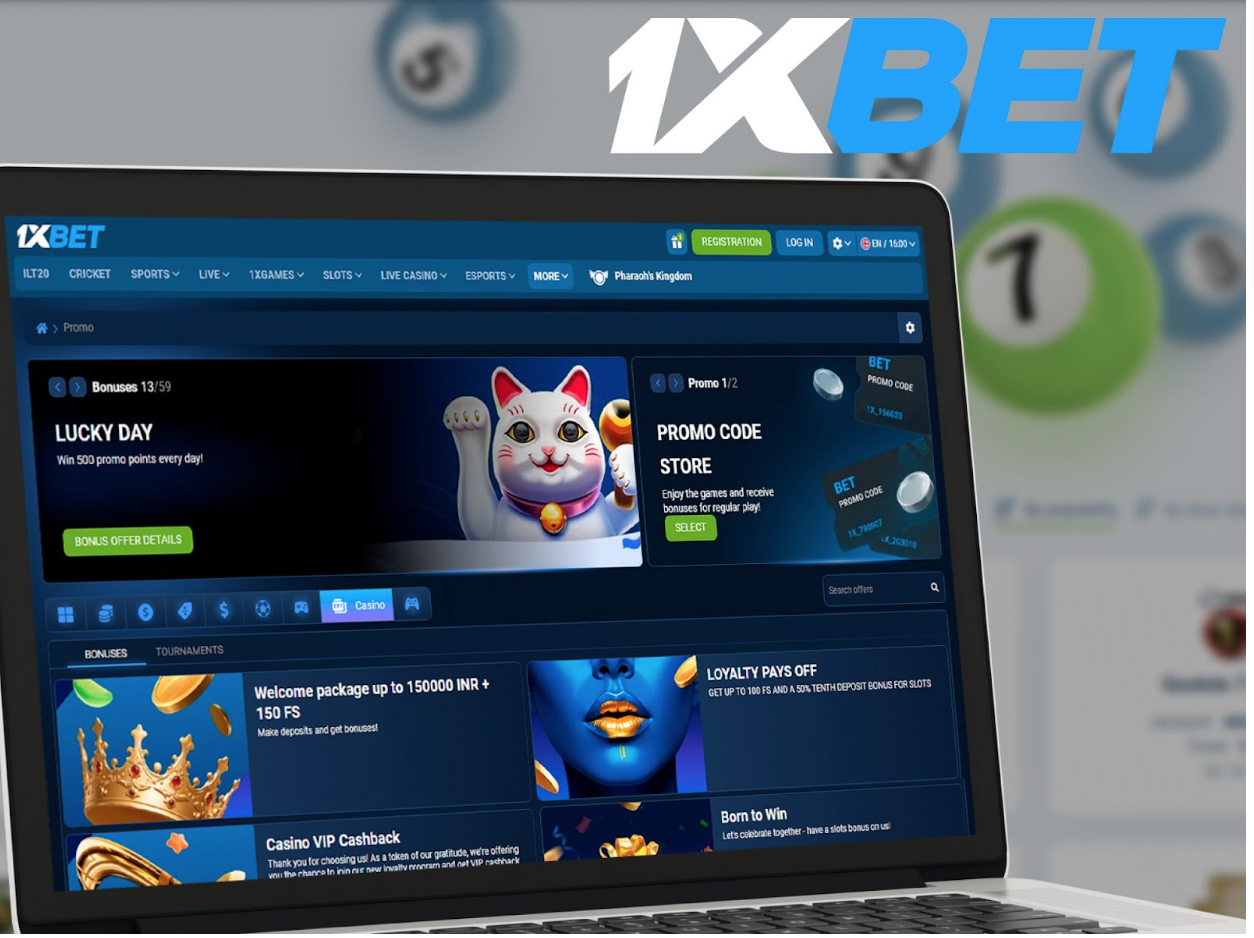
No installation, no files, no setup: open the site, log in, bet. The browser version works in Chrome, Safari, Firefox and Edge on both Windows and macOS, and it mirrors the platform feature for feature, including live betting, casino and the full cashier.
The one Malaysian caveat: since nothing is installed, you depend on a working address. Keep a source of current mirror links handy, or simply bookmark our main guide where the working route is described.
Desktop Client vs Browser: Honest Comparison
| Desktop client (Windows) | Browser version | |
|---|---|---|
| Installation | One-time download and setup | None, works right away |
| Blocked domains | Connects to working addresses on its own | You need a current mirror link |
| Updates | Automatic inside the client | Nothing to update, always the current site |
| macOS | Not available | Works in any modern browser |
| Features | Full platform | Full platform |
| Best for | Windows users who bet regularly | Mac owners and occasional sessions |
The short version: on Windows with regular play, the client is worth the five-minute setup mostly because of the blocked-domains point. On a Mac or a shared computer, the browser version does the job without leaving a trace on the machine.
Bonus and Payments in Brief
The welcome offer is identical across PC and mobile, and it is a choice, not a stack: either the sports bonus (100% on the first deposit up to 500 MYR) or the casino package (up to 6,800 MYR plus 150 free spins across the first four deposits). The promo code field appears in the registration form, before the first deposit, and disappears once the account is created.
For payments, the dependable lane for Malaysian players is e-wallets and cryptocurrencies; the cashier shows the exact methods available to your account, and withdrawals return to the deposit method. The full breakdown of offers and payment specifics lives on the main Malaysia guide.
Common Problems on PC and Quick Fixes
Antivirus or Windows SmartScreen flags the installer? That happens with betting clients distributed outside app stores. If the file came from the official 1xBet domain, allow it; if it came from anywhere else, delete it and download properly.
The client does not open or hangs on the logo? Check your connection first, then reinstall with a fresh installer from the site; a corrupted download is the usual cause. Browser version not loading? The domain is blocked, so grab a current mirror link.
Login fails on PC while the phone works? You are likely typing an old password or the account has pending verification; the 24/7 support chat resolves both, and it is available in the client and in the browser alike.
FAQ
Is there a 1xBet app for macOS?
No. The dedicated desktop client exists for Windows only. On a Mac, use the browser version, which offers the identical platform with nothing to install.
How do I install 1xBet on Windows?
Download the installer from the applications section of the official 1xBet website, run the file, follow the prompts and log in. The setup takes a few minutes on any modern computer.
What does the desktop client give me that the browser does not?
Mainly independence from domain blocks: the client finds working 1xBet addresses on its own, while in a browser you need a current mirror link. Features and markets are identical either way.
Can I use 1xBet on a computer without installing anything?
Yes. The browser version works in any modern browser on Windows and macOS and includes the full platform: sports, live betting, casino and the cashier.
Is the bonus different on PC?
No. New players make the same single choice as on mobile: the sports bonus up to 500 MYR or the casino package up to 6,800 MYR plus 150 free spins. The offers cannot be combined, and the promo code goes into the registration form.
Is 1xBet on PC suitable for players in Malaysia?
Yes, with the usual context: 1xBet operates in Malaysia as an offshore platform under an international licence, for adults 18+. The Windows client is actually the most block-resistant way to access it. Bet with money you can afford to lose.